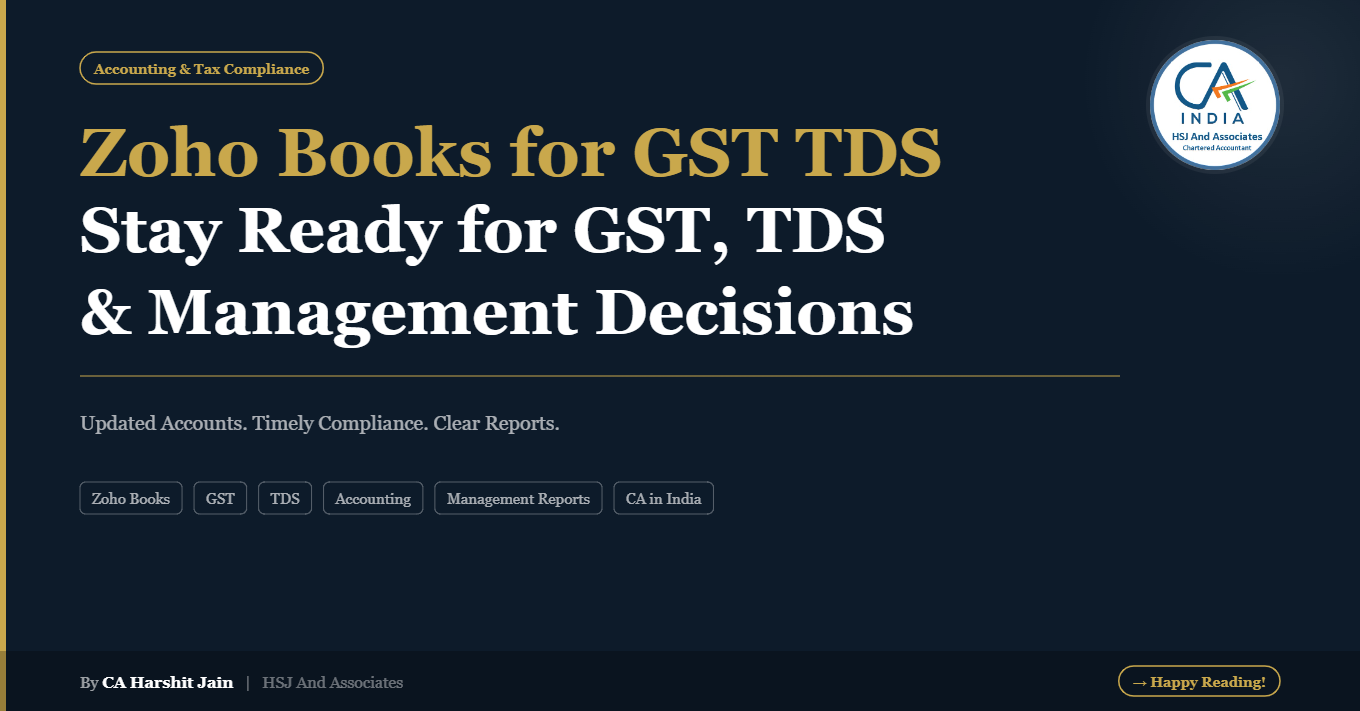
How to Generate TDS Reports in ZohoBooks – A Simple Guide by HSJ and Associates
Why TDS Reports Matter in ZohoBooks?
ZohoBooks is a powerful accounting tool that not only manages your day-to-day finances but also helps in creating automated TDS reports. These reports are useful for:
-
Monthly TDS payment tracking
-
Quarterly filing of TDS returns
-
Easy reconciliation of deducted tax
-
Ensuring accuracy in reporting
Step-by-Step Process to Extract TDS Reports
In ZohoBooks, you can generate detailed TDS reports with just a few clicks. The process includes:
-
Navigating to the Reports section
-
Selecting TDS Reports
-
Filtering for the relevant period (monthly/quarterly)
-
Exporting the data in Excel or PDF format for filing
This ensures that your business stays compliant without spending hours in manual calculations.
Why Choose HSJ and Associates for ZohoBooks Support?
-
We are the first ZohoBooks registered firm in Rajasthan
-
8+ years of experience with Indian and global clients
-
Expert guidance in accounting, taxation, and automation with AI tools
-
Trusted by 2000+ clients worldwide
Watch Our Detailed Tutorial on YouTube
To help you understand the process better, we have created a simple and practical video tutorial.
👉 Watch the full video here on our official YouTube channel: HSJ and Associates – TDS Reports in ZohoBooks
#TDSReports #ZohoBooks #HSJAndAssociates #TDSFiling #CharteredAccountantUdaipur #TopCAInUdaipur #ZohoBooksPartner #TDSCompliance #TaxationMadeEasy #AIinAccounting #CAINUDAIPUR #CAININDIA